Total Compensation Statement Report
Human Resources > Reports > Management Reports > Total Compensation Statement
The Total Compensation Statement gives you a yearly breakdown of compensation types for each employee.
Select the Year (current or prior) and the Employee, or leave the Employee field blank to run the report for all employees.
From the Report Type dropdown, select Summary or Detail. The summary version provides total compensation, earnings paid, employer-paid benefits and employer-paid taxes. The detail version includes a breakdown of the types of earnings, employer benefits and employer taxes paid. (Sample outputs are provided below.)
Click Submit to generate and display the results.
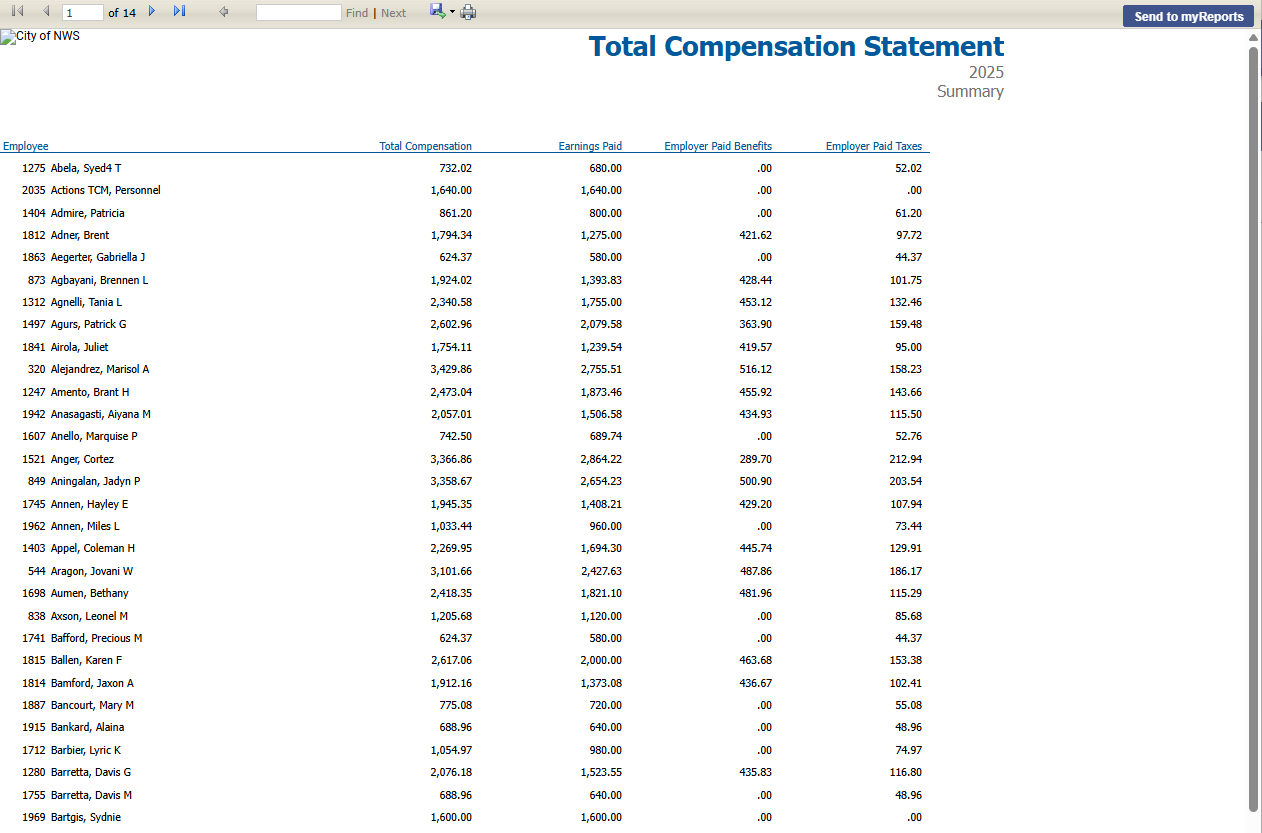
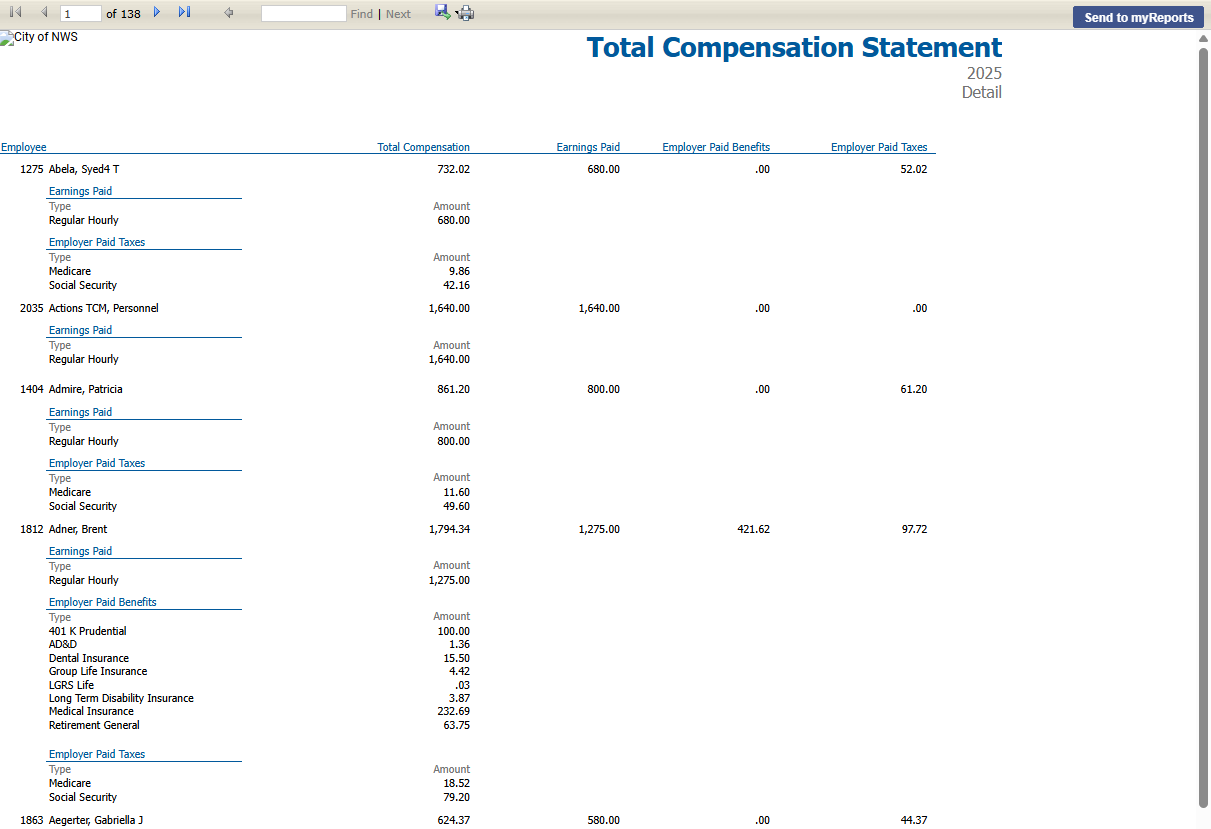
Grand totals are provided on the last page of each report.
To send the report to myReports as a PDF, click the Send to myReports button. To export the report to a preferred format, such as Excel or Word, select the format from the Export drop-down.
 Permission
For this report to be available on a user's Management Reports menu, the user needs permission to the Total Compensation Statement security component:
- Navigate to Maintenance > new world ERP Suite > Security > Users. The User List page displays.
- Use the filter in the User Name column to search for the user.
- Select the user's row.
- Click Permissions. The User Permissions page displays, containing a grid of security components and a filter panel.
-
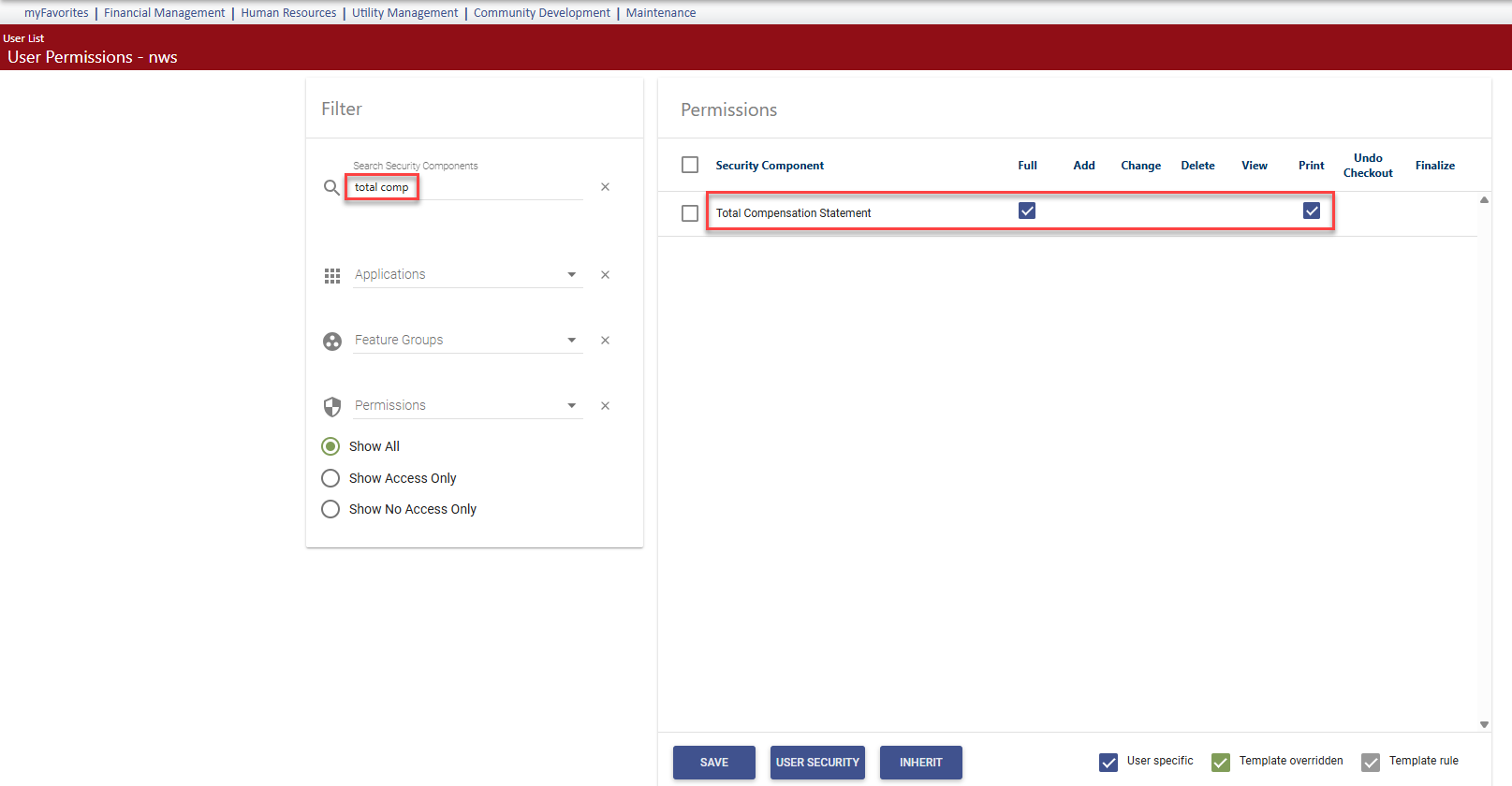
In the Search Security Components filter, type total comp. The grid refreshes to display the Total Compensation Statement component:
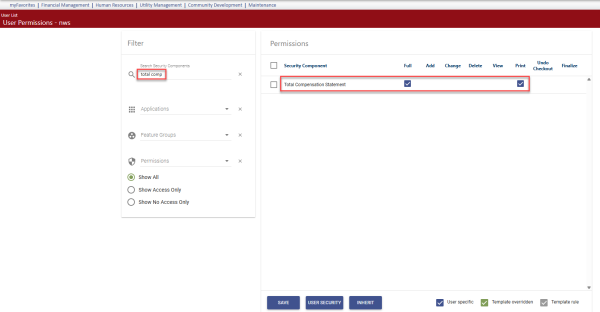
- Select Full permission.
- Click Save.
- For the permission to take effect, the user must log off and log back on.
Note: This report will continue to be developed.